Profile and settings
Update your personal details, password, and avatar, manage project settings, and view your marketplace profiles.
Your account settings live under Settings in the sidebar. A row of tabs at the top switches between Project Settings, Billing Information, Profile Settings, and Delete Account.
Note: Project Settings and Delete Account only appear if your role in the workspace allows managing the project.
Profile settings
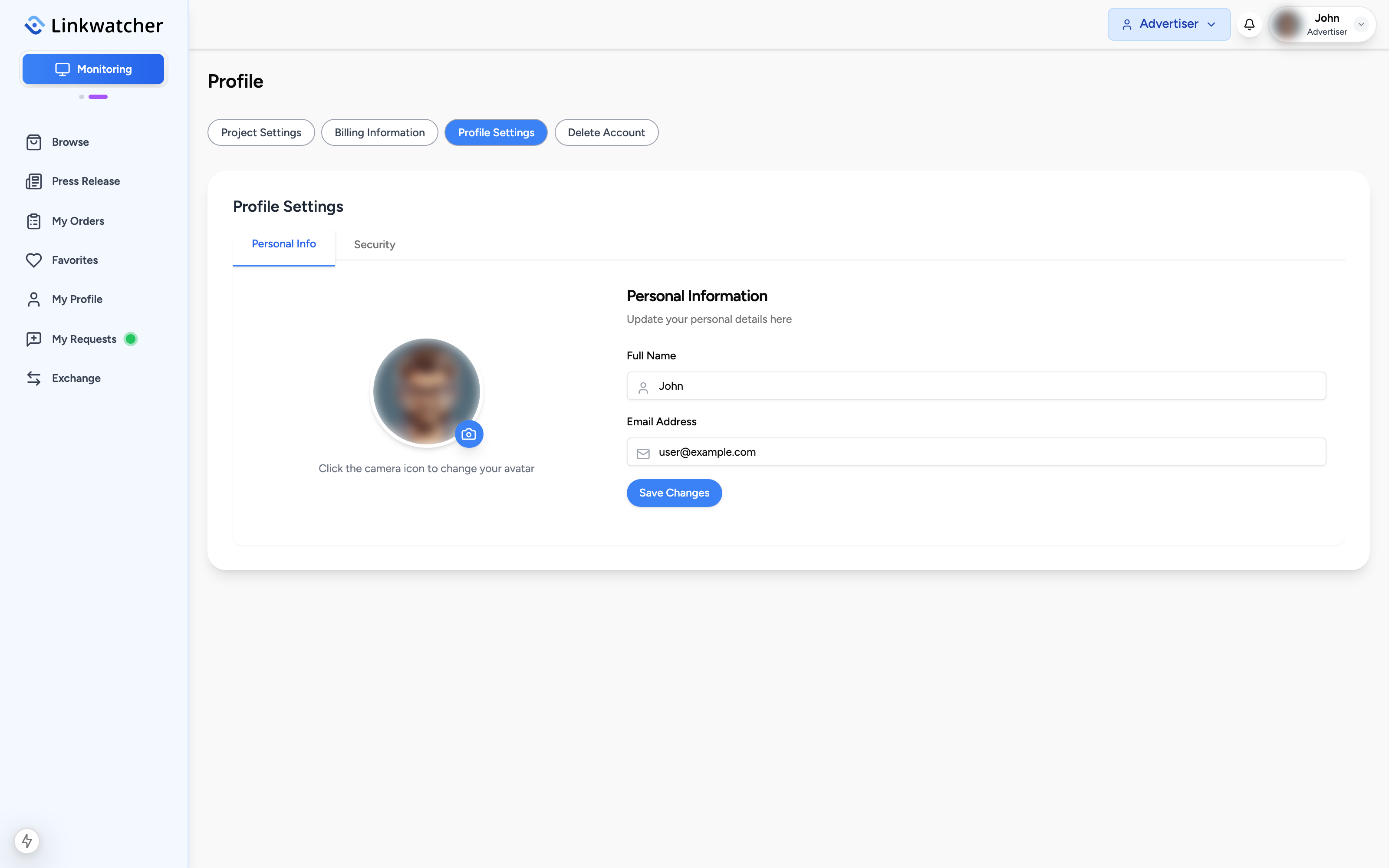
Open Settings > Profile Settings. The page has two tabs.
Personal Info
- Edit your Full Name and Email Address.
- Click Save Changes.
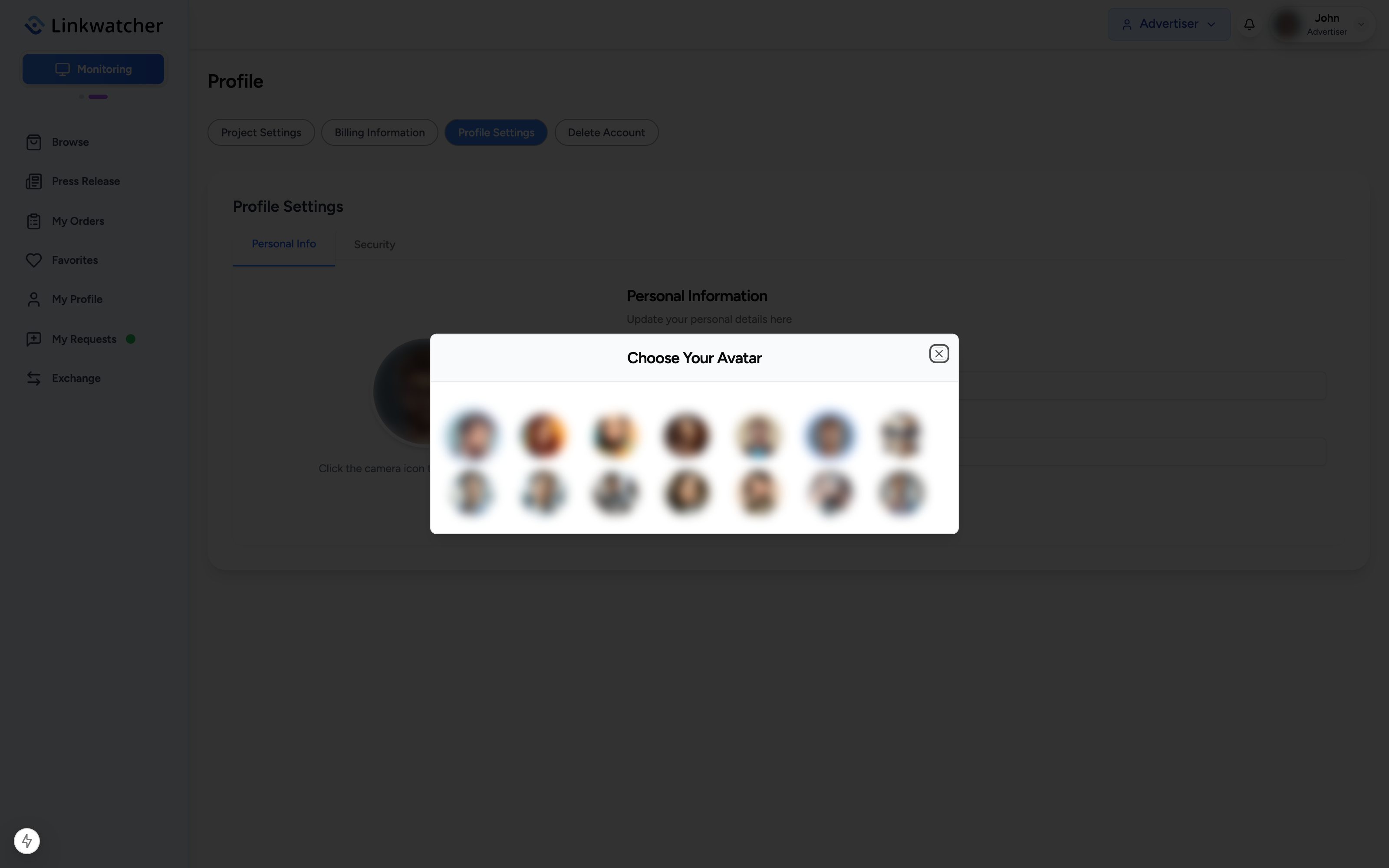
To change your avatar, click the camera icon on your profile picture and pick one of the available avatars from the gallery.
Security
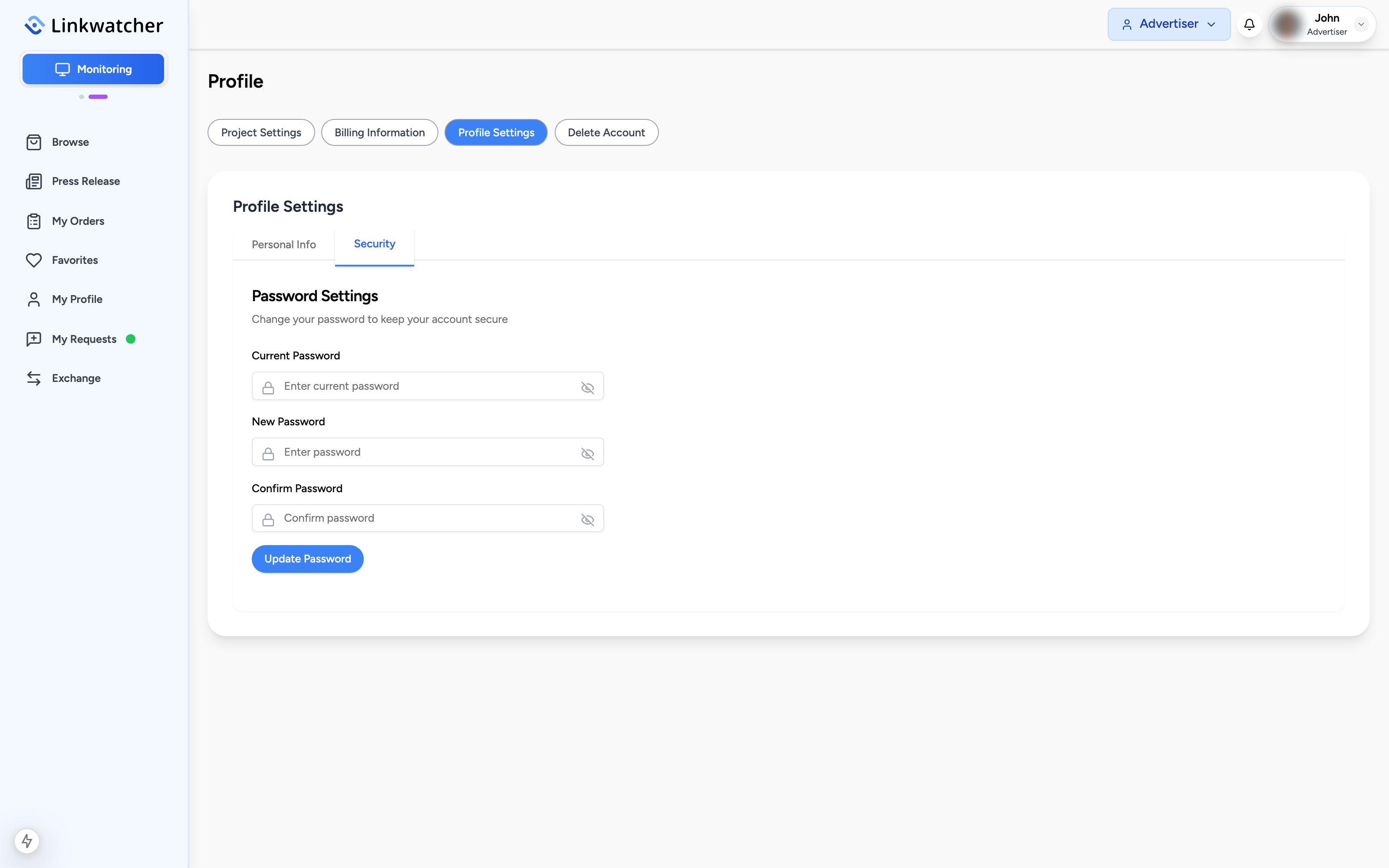
- Switch to the Security tab.
- Enter your Current Password, then the new password twice.
- Click Update Password.
If you signed up with a social login and have no password yet, the current password field is hidden and the button lets you Set Password instead.
Project settings
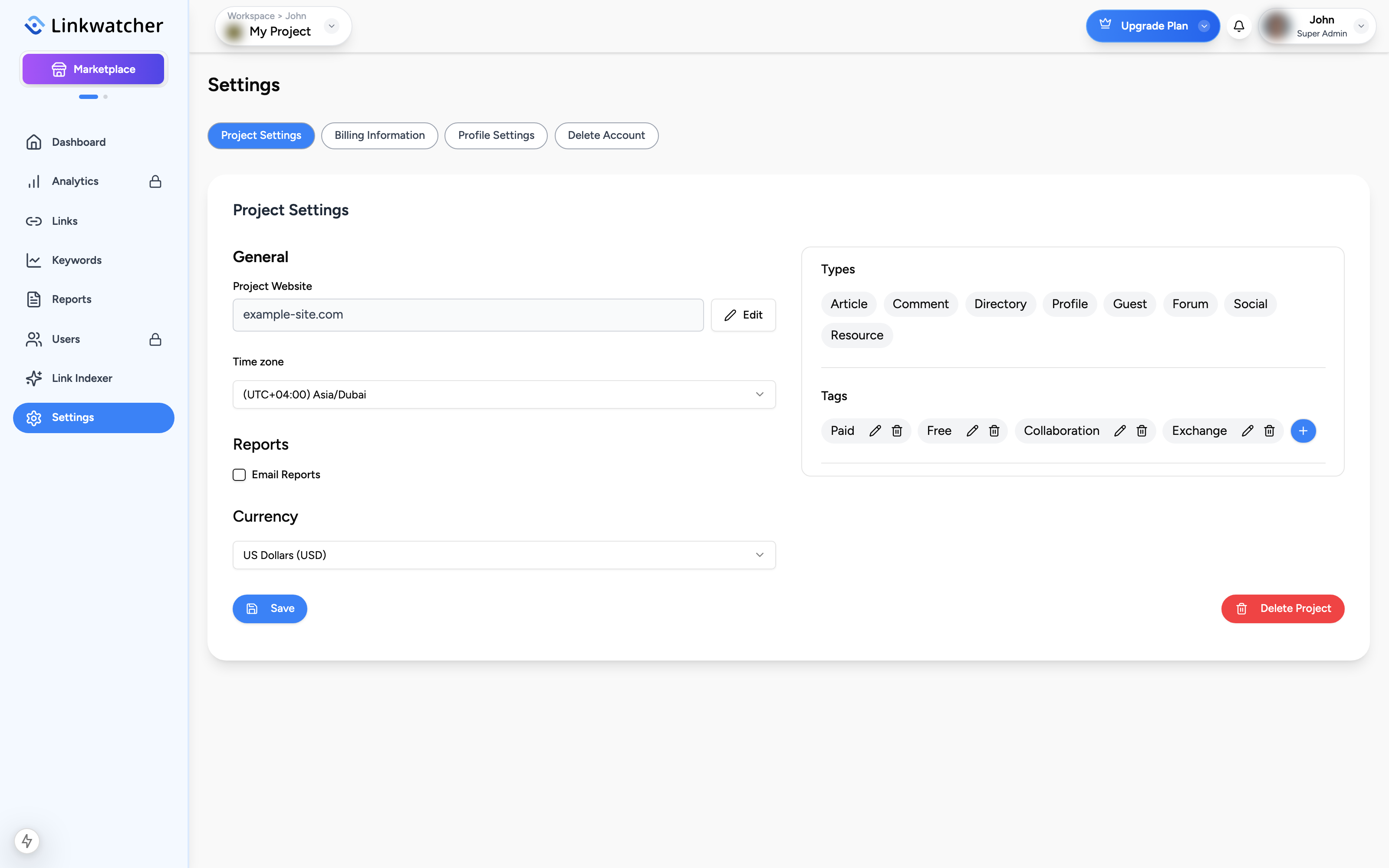
Open Settings > Project Settings to configure the selected project:
- Project Website: the URL your backlinks are checked against. Click Edit to change it.
- Time zone: controls how dates and times are displayed for the project.
- Email Reports: enable and choose Daily, Weekly, or Monthly summaries for Links and Keywords.
- Currency: USD, EUR, GBP, or AED, used for link cost fields.
- Types and Tags: manage the labels available when adding links.
- Delete Project: permanently removes the project. This cannot be undone.
Warning: Changing the project website removes all existing analytics data associated with the project, because that data is tied to the current URL.
Marketplace profiles
When you use the Marketplace, you have two public-facing profiles. Switch to Marketplace mode with the toggle in the top bar, then open My Profile in the sidebar.
Two tabs at the top of the page switch between:
- Publisher Profile: shown when you sell placements. It displays your average rating with its distribution, completion rate, total and active orders, average delivery time, and the customer reviews you have received, each labeled Guest Post or Link Insertion.
- Advertiser Profile: shown when you buy. It displays your total, completed orders, the number of reviews you have given, and the reviews themselves.
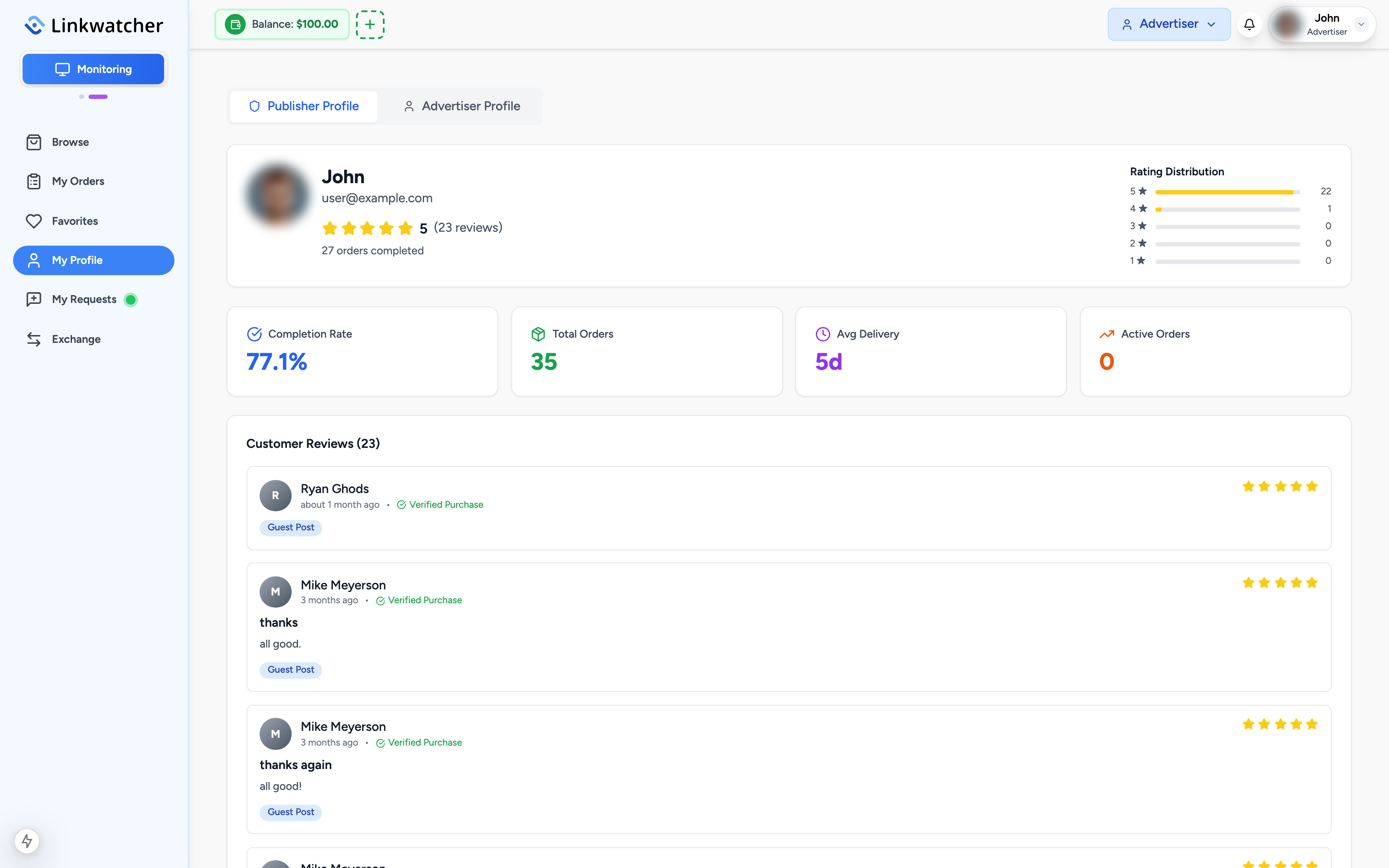
Your name, email, and avatar on these profiles come from your account profile, so keep Profile Settings up to date.
Deleting your account
Settings > Delete Account lets you permanently remove your account and its data. Review the page carefully before confirming, as this action cannot be reversed.