Payments and account balance
Payment methods and their fees, topping up your balance, the instant pay-from-balance flow, and invoices.
After you create an order you land on the payment page, where you choose how to pay. You can also keep money in your Linkwatcher balance and pay from it directly.
Payment methods and fees
The marketplace supports several payment methods, each with a handling fee added on top of the order total:
- Card via Stripe: credit and debit cards, including Apple Pay and Google Pay. Fee: 5% + $0.50.
- PayPal: pay with your PayPal account. Fee: 5% + $0.50.
- Crypto via CoinPayments: pay in cryptocurrency, converted from the USD total. Fee: 1%, the cheapest option.
- Account balance: no handling fee at the moment of payment.
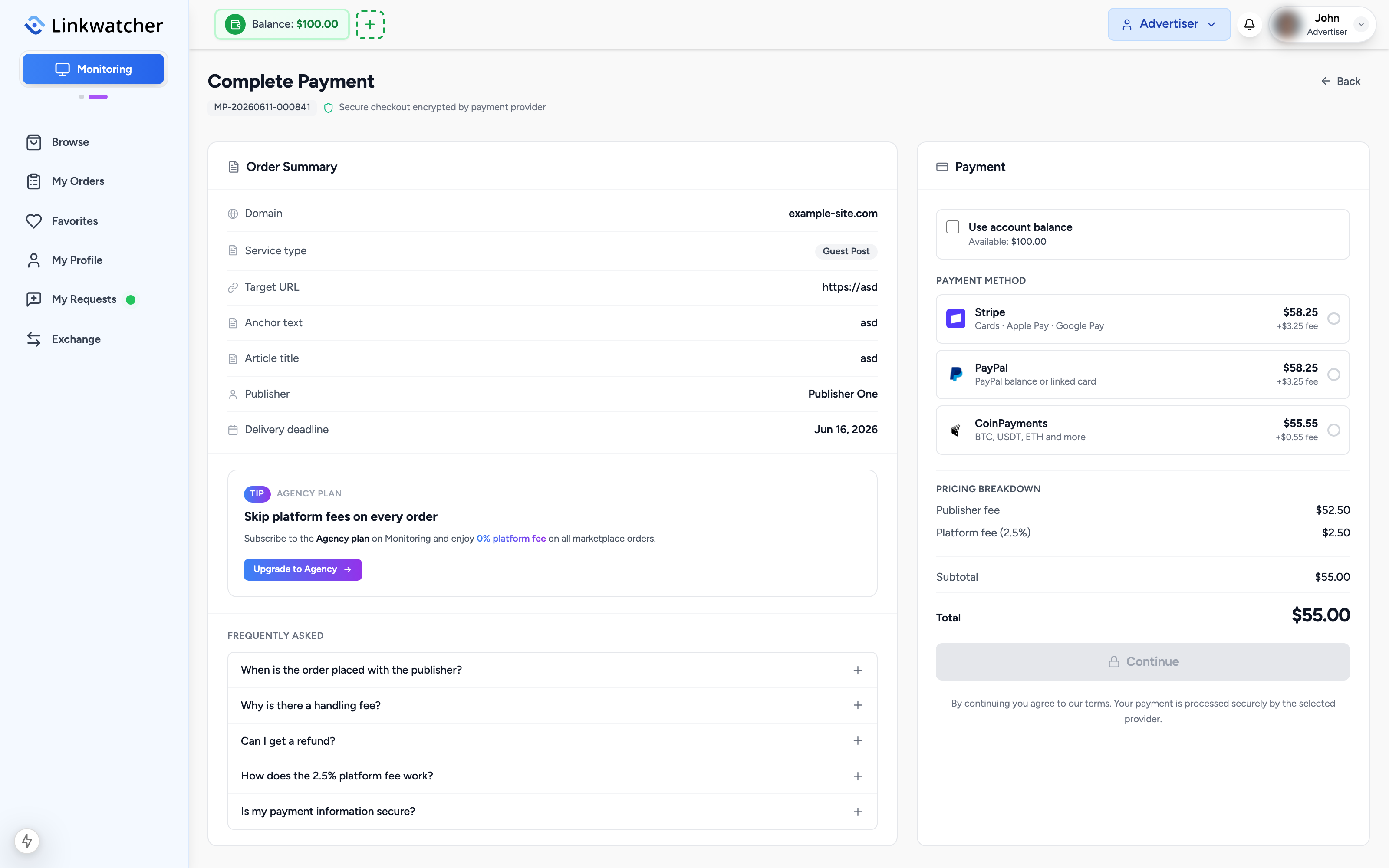
Note: Handling fees are calculated only on the amount actually charged to the external method. If part of the order is covered by your balance, the fee applies only to the remainder.
Handling fees are non-refundable. The fee is charged by the payment gateway provider (Stripe, PayPal, or CoinPayments), not by Linkwatcher, and once paid it cannot be recovered, even if the order is later cancelled, rejected, or refunded.
Using your balance on the payment page
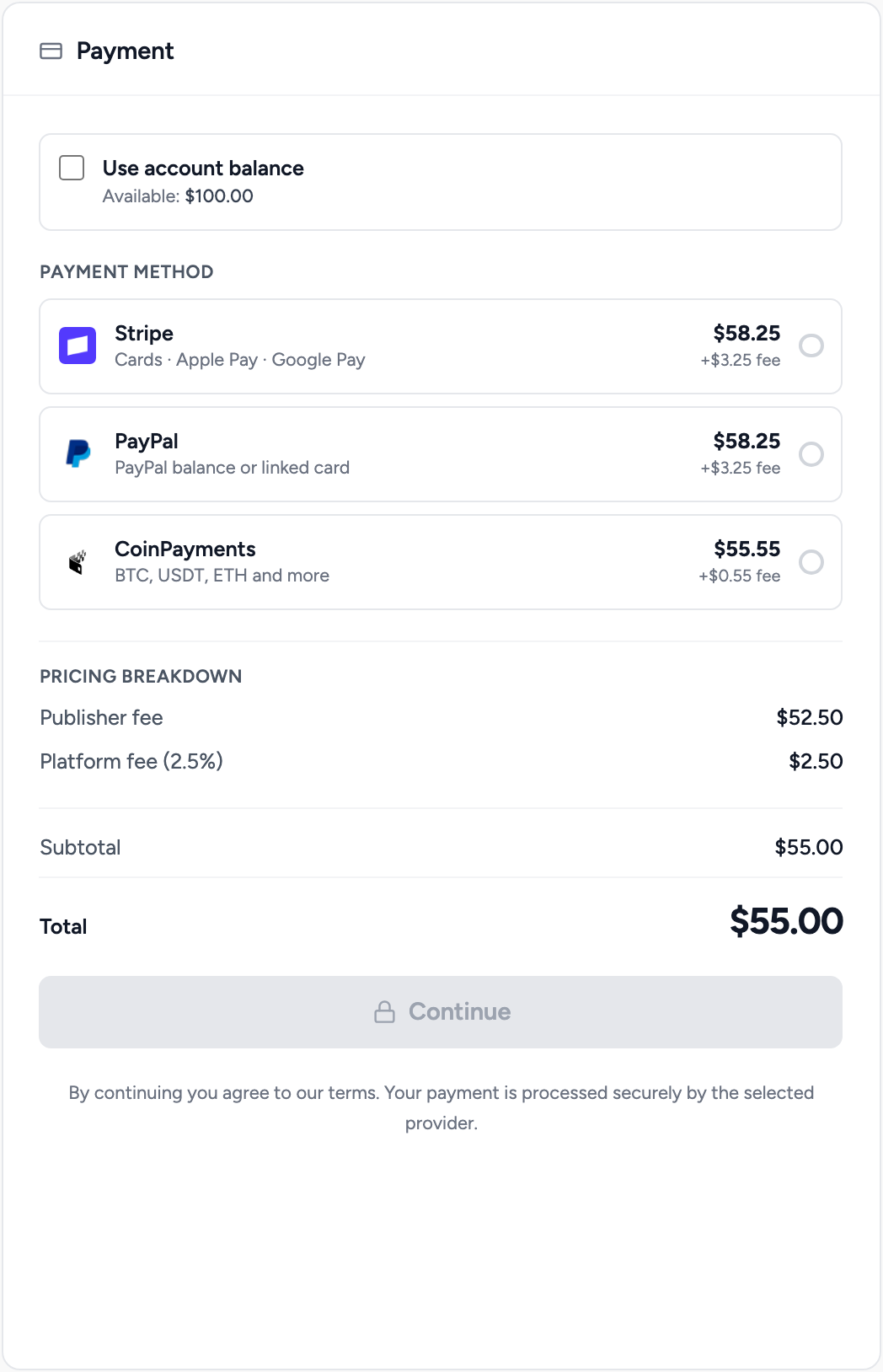
Your current balance is shown in the marketplace header. On the payment page there is a balance toggle:
- Tick the option to use your account balance.
- The balance is applied first, up to the order total.
- If a remainder is left, choose a payment method for it. The handling fee is calculated on the remainder only.
Topping up your balance
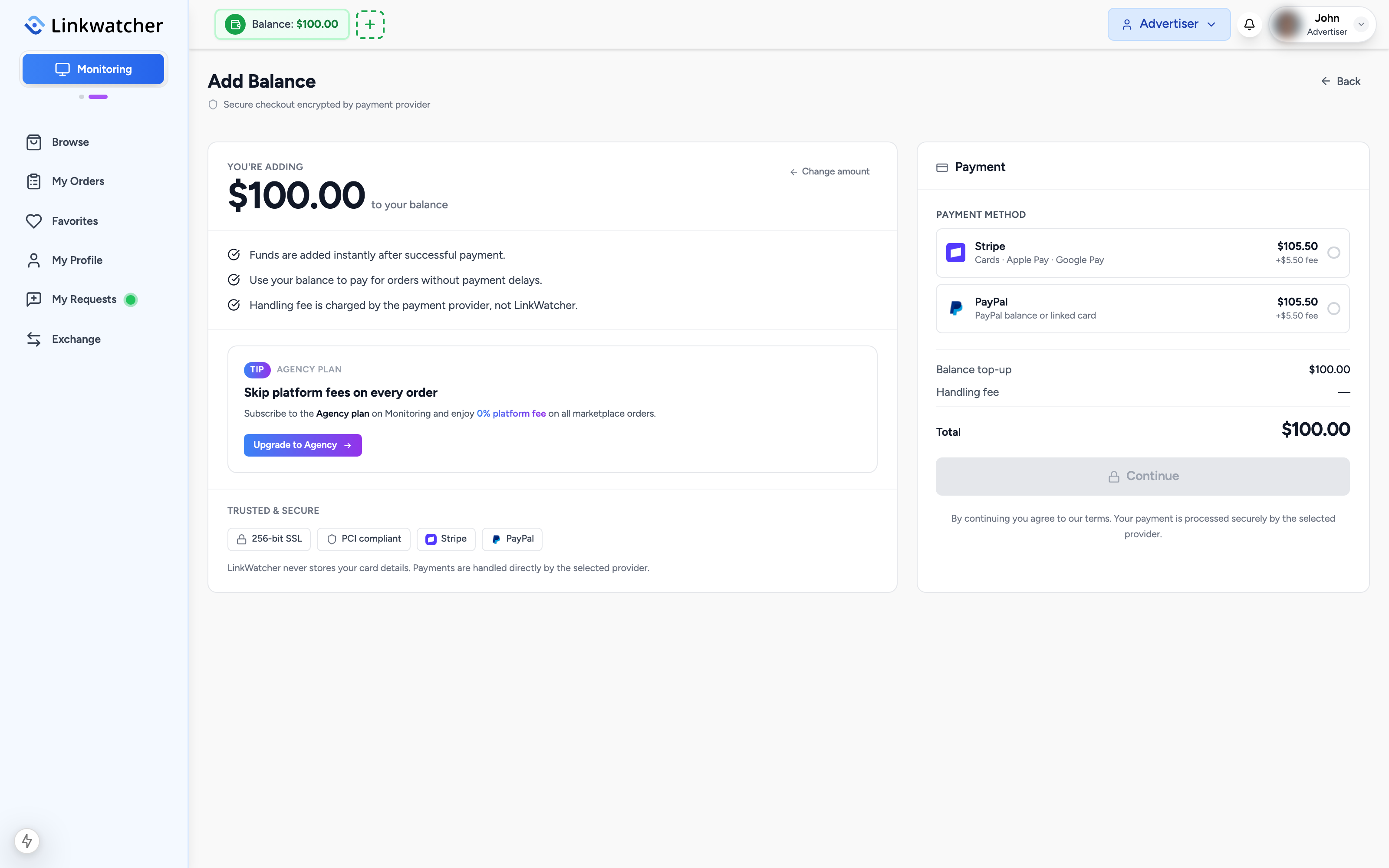
You can add funds to your balance ahead of time:
- Open your balance page from the marketplace header or sidebar.
- Choose the top-up amount.
- Pick a payment method. The same handling fees apply: 5% + $0.50 for card and PayPal, 1% for crypto.
- Complete the payment. The amount is credited to your balance right away.
A healthy balance speeds up future purchases: balance-covered orders skip the payment page entirely and are placed in one click.
Refunds go to your balance
If an order is cancelled, rejected, or refunded under the money-back guarantee, the refund is credited to your Linkwatcher balance rather than your original payment method. From there you can spend it on new orders instantly.
Refunds cover the full order total, including the platform fee. Only the payment handling fee is not refunded: it is charged by the payment gateway provider (Stripe, PayPal, or CoinPayments) rather than Linkwatcher, and once paid it cannot be recovered.
Invoices
Every payment generates an invoice, including payments made entirely from your balance. To download one:
- Open your balance page.
- Find the transaction in the history list.
- Click the Invoice download button next to it.

Note: Crypto payments are confirmed on the blockchain, so they can take a little longer to register than card or PayPal payments. The page checks the status automatically; you do not need to refresh.