Guest post exchange
Swap guest posts with verified site owners at zero cost by browsing exchange requests and sending offers.
The Exchange page lets you trade guest posts with other site owners instead of paying for them. One side publishes content for the other, and vice versa: no money changes hands.
How the exchange works
Site owners post exchange requests describing the kind of swap they are looking for. Other owners browse those requests and respond with offers from their own verified websites. When both sides agree, each publishes a guest post for the other.
Because both parties publish content, the exchange is only open to users who own a website: to participate you need at least one verified owner domain on your account.
Browse exchange requests
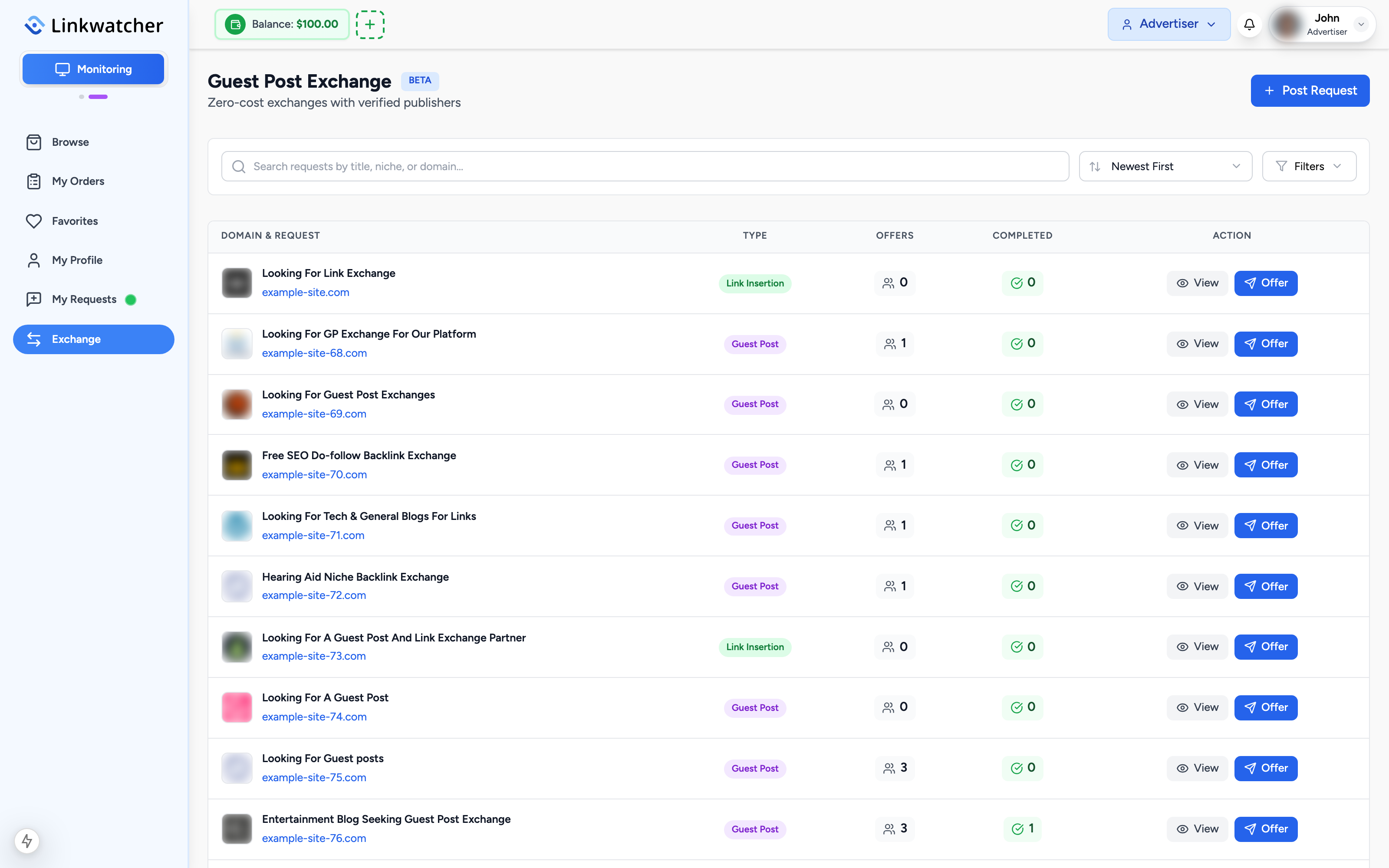
- Open Exchange in the sidebar. The page is titled Guest Post Exchange.
- Browse the list of active requests. Each shows the requesting site, its niche, and key metrics.
- Use the search box to find requests by title, niche, or domain.
- Sort by Newest First, Oldest First, or Most Offers, and use the Filters button to narrow by category or Domain Rating range.
View a request
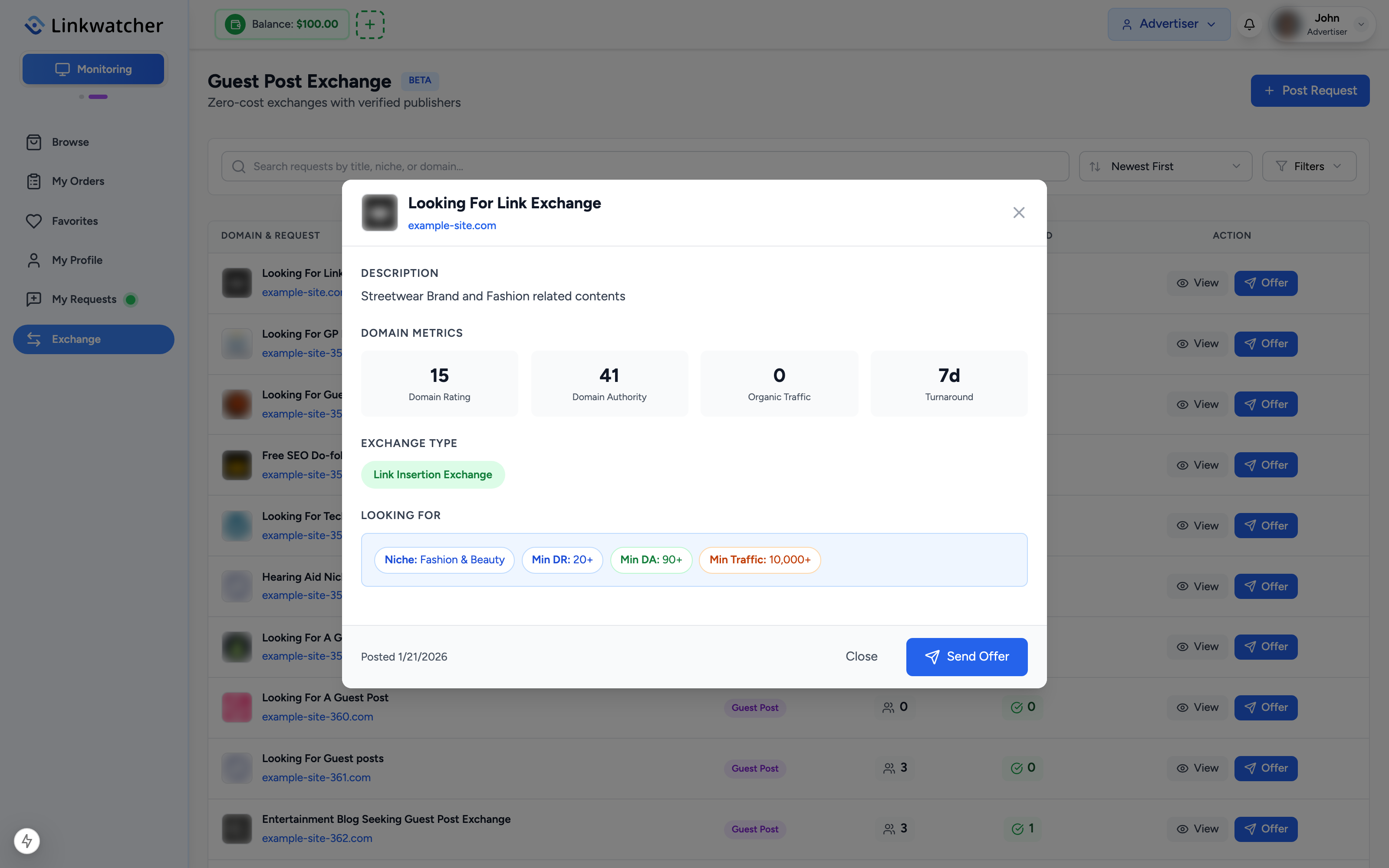
Click a request to see its full details: the domain involved, its metrics, what the owner is looking for in return, and how many offers it already has. This is where you decide whether your own site is a good match.
Send an offer
When you find a request that fits:
- Click the option to send an offer on the request.
- Pick which of your verified owner domains you are offering in exchange. Only domains you have added as an owner and verified appear in the list.
- Add a message describing your proposal.
- Submit the offer. The request owner reviews it and accepts or declines.
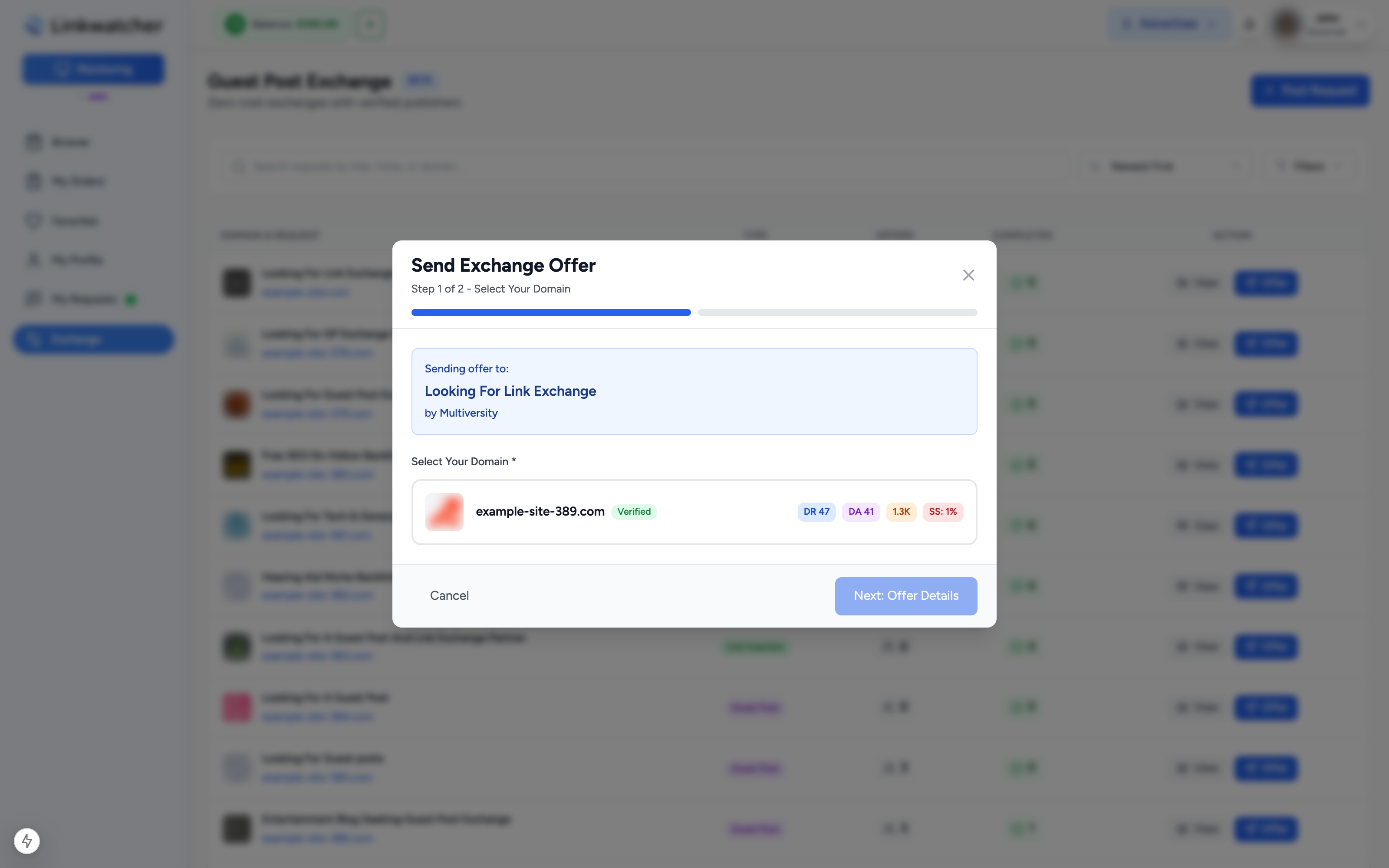
Note: If you see "No Verified Domains" in the offer dialog, you have not yet added and verified a website you own. Follow the prompt to add a domain first; verification proves you control the site.
Post your own exchange request
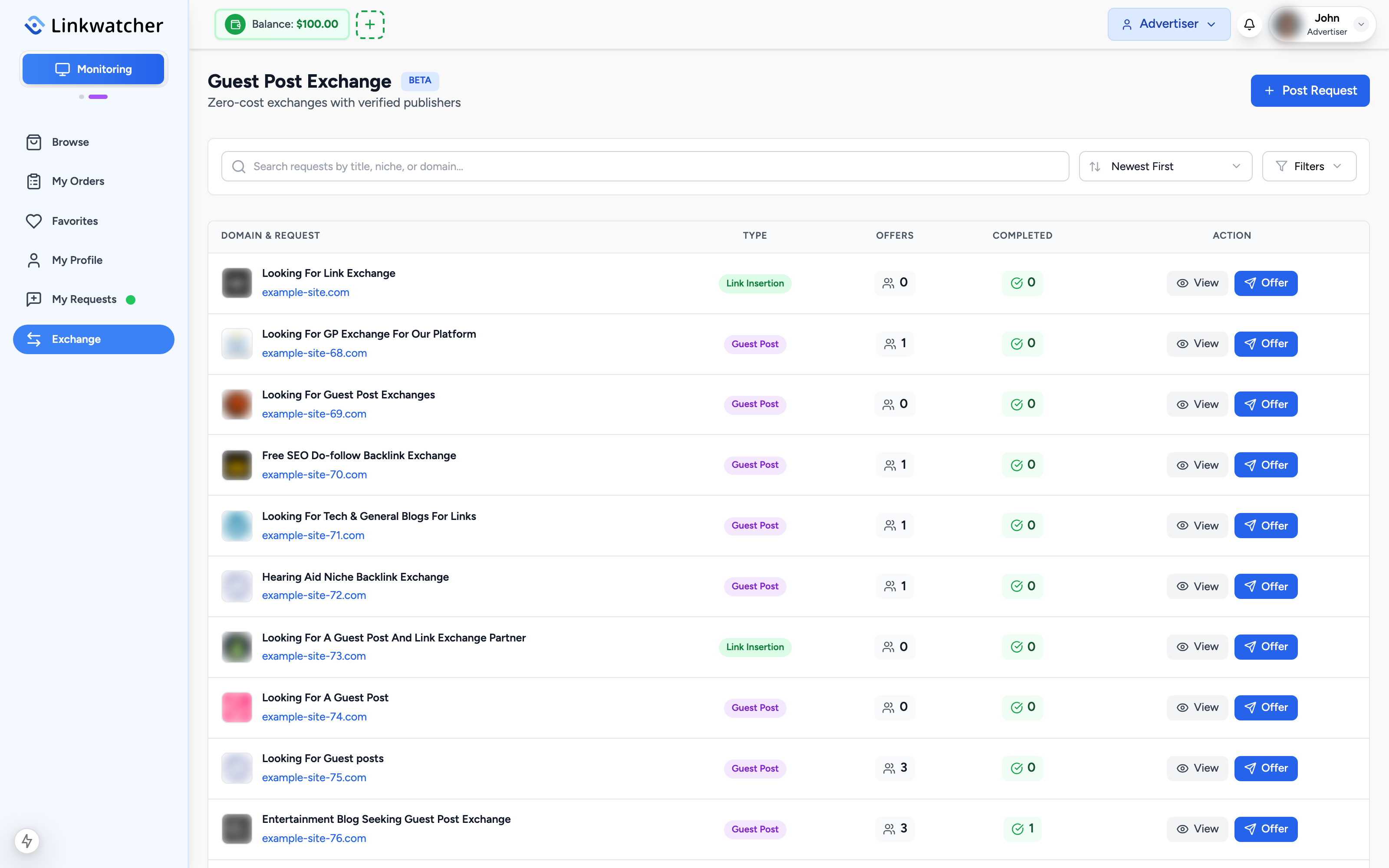
You can also be the one asking. Click Post Request at the top of the Exchange page. Posting a request means offering a placement on your own website, which is publisher-side activity, so the app switches you to Publisher mode to create it. Your request then appears in the exchange list for other owners to respond to.
After a match
Once an offer is accepted, both sides arrange the content swap through the exchange order flow: each party provides the article and link details for their placement on the other's site, and both deliveries are tracked like orders.
Note: Exchanges are free, but they cost you a placement on your own site. Treat incoming content with the same quality standards you would apply to a paid guest post on your website.
Exchange vs paid orders
- Use Browse and paid orders when you want speed, guaranteed delivery, and the money-back guarantee.
- Use the Exchange when you own a quality website yourself and prefer to trade placements instead of paying for them.