Getting started as an advertiser
Create your account, switch to Marketplace mode, choose the Advertiser role, and learn your way around the buyer dashboard.
Linkwatcher's marketplace lets you buy guest posts and link insertions on thousands of vetted websites. This guide walks you through creating an account and finding your way around as a buyer.
Create your account
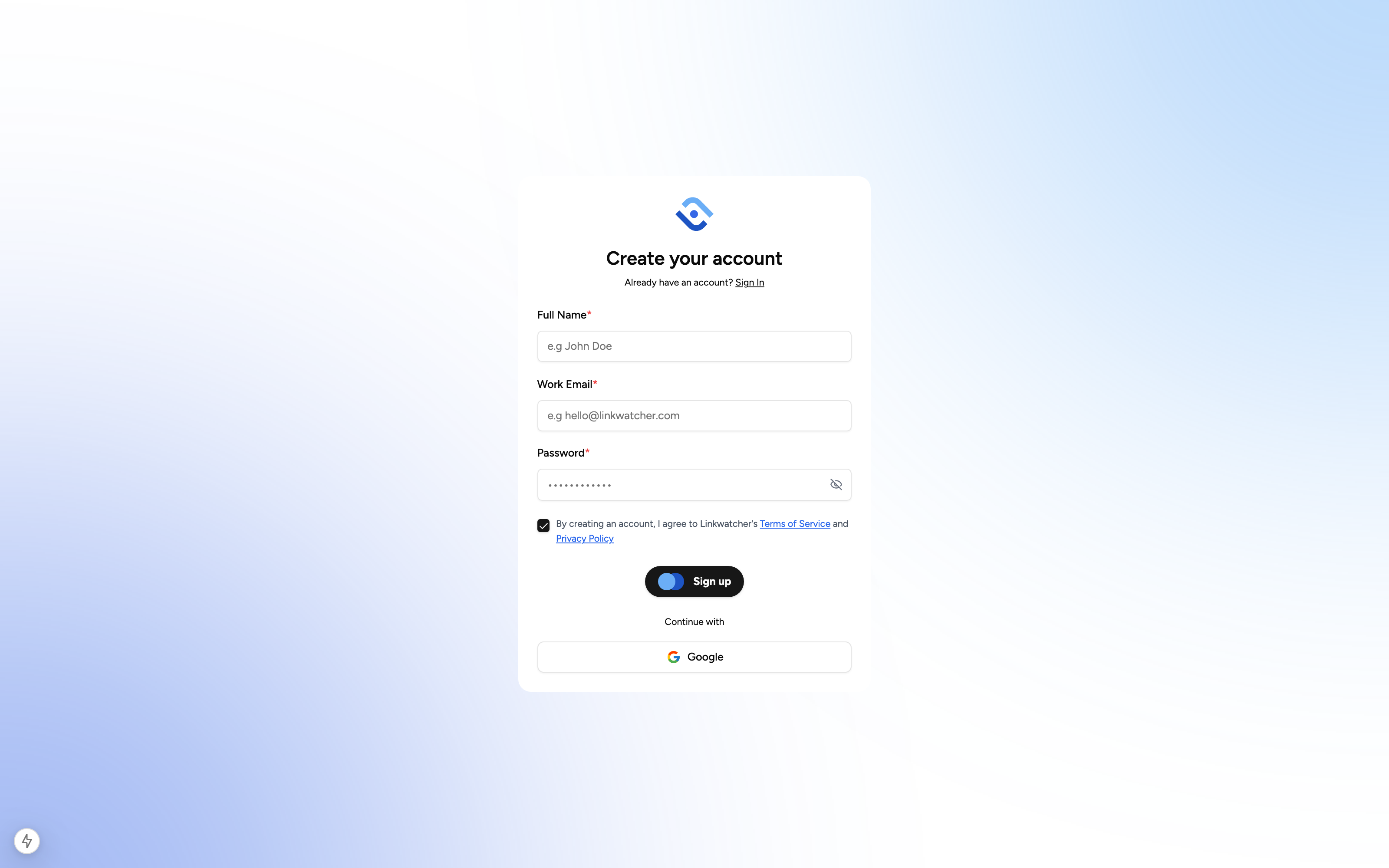
- Open the signup page and enter your full name, email address, and a password.
- Submit the form. We send a verification email to the address you entered.
- Open the email and click the verification link to activate your account.
- Log in with your new credentials.
You can also sign up with Google. Click the Google option on the signup or login page and pick your Google account: no separate email verification is needed.
Note: If the verification email does not arrive within a few minutes, check your spam folder before requesting a new one.
Monitoring mode vs Marketplace mode
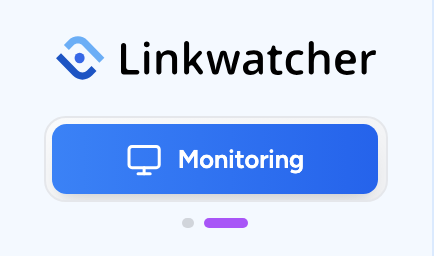
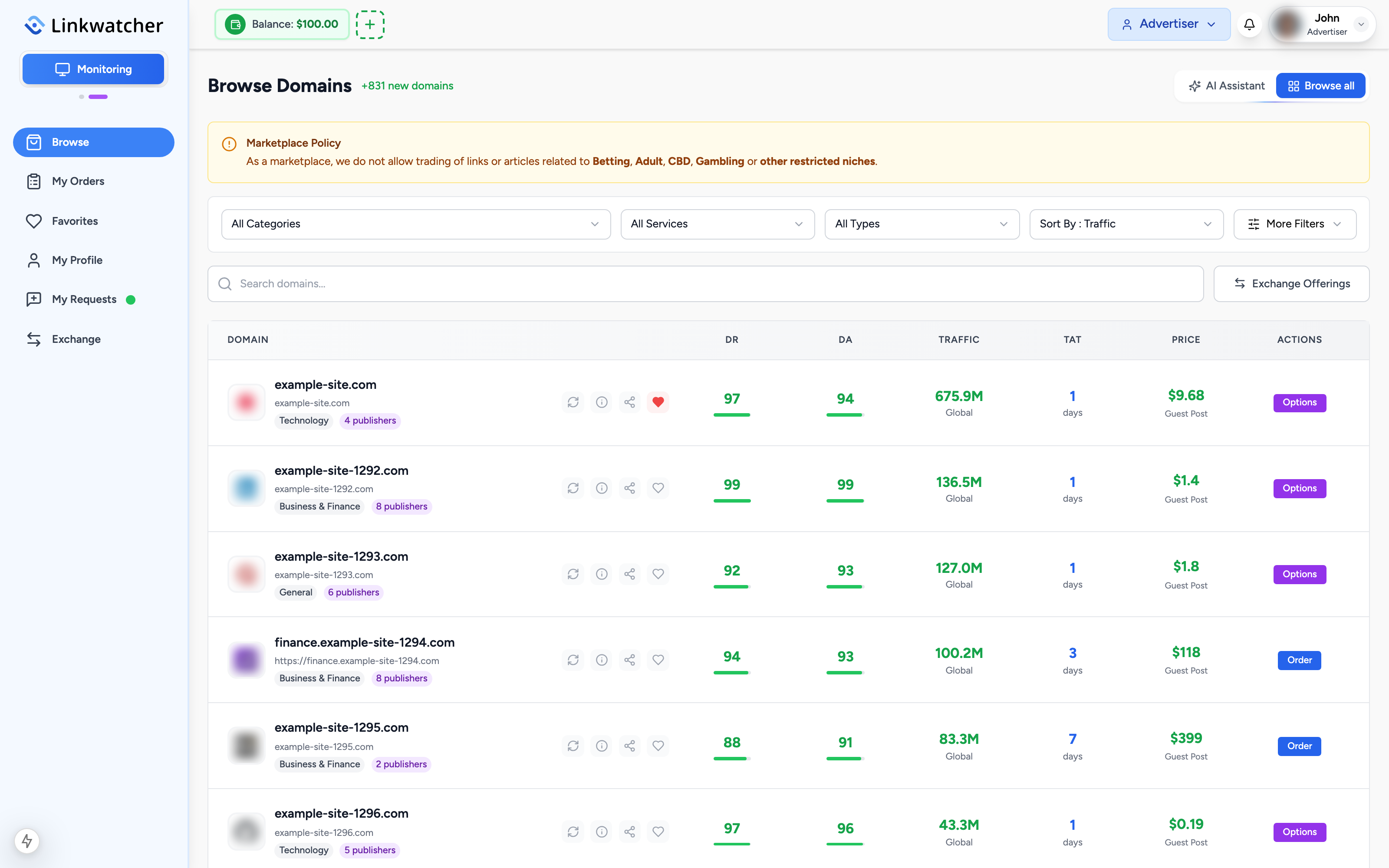
Linkwatcher has two distinct modes, and you can switch between them at any time using the mode toggle in the left sidebar, right under the Linkwatcher logo:
- Monitoring: track your backlinks, keywords, and reports.
- Marketplace: buy or sell guest posts and link insertions.
Click the toggle under the logo to enter the marketplace. When you are inside the marketplace, the same toggle switches you back to Monitoring. Switching to the marketplace always starts you in the Advertiser role.
Advertiser vs Publisher roles
Inside the marketplace every account can act in two roles:
- Advertiser: you buy placements on other people's websites.
- Publisher: you sell placements on websites you own or manage.
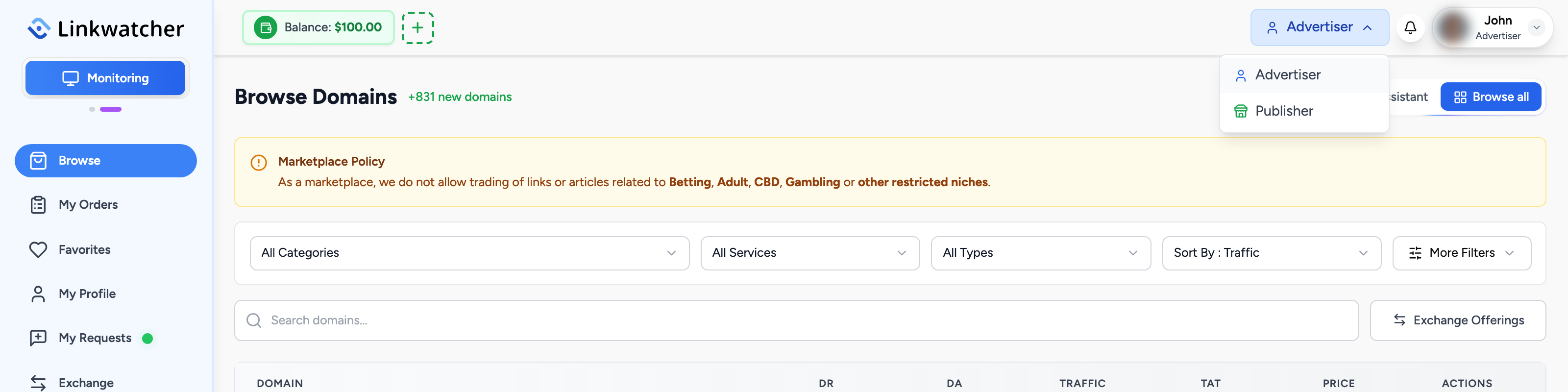
The role switcher sits in the marketplace header. Click it and choose Advertiser or Publisher. If you have never set up a publisher profile, the second option reads Become a Publisher and walks you through creating one. This article series covers the Advertiser side.
A tour of the advertiser sidebar
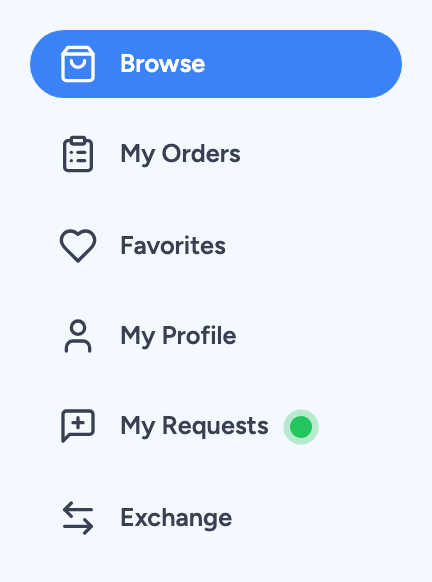
With the Advertiser role active, the sidebar gives you everything you need as a buyer:
- Browse: the main catalog of websites available for guest posts and link insertions. This is where most orders start.
- My Orders: track every order you have placed, from payment through delivery and acceptance.
- Favorites: websites you have bookmarked with the heart icon while browsing.
- My Profile: your marketplace profile details.
- My Requests: requests you have posted so publishers can come to you with offers.
- Exchange: the zero-cost guest post exchange where site owners swap placements.
The header also shows your account balance whenever you are in marketplace mode. You can use this balance to pay for orders, and refunds are credited back to it. See the payments article for details.
Your first steps
A typical first session as an advertiser looks like this:
- Switch to Marketplace mode and make sure the role switcher shows Advertiser.
- Open Browse and use the filters to find websites in your niche and budget.
- Click a website to review its metrics and available publishers.
- Place your first order, or save promising sites to Favorites for later.
Note: You can use the same account as both an advertiser and a publisher. Orders, balances, and profiles stay separate per role, so switching roles never mixes up your buying and selling activity.